
A switch on the handlebar works only sometimes, needs to be pressed hard or wiggled, sticks in one position, or does nothing. The left housing usually holds the light, dip, flash, indicator and horn switches; the right housing the start button and engine stop (kill) switch, and sometimes the light switch. Dirt and corrosion on the small contacts inside cause most faults. Broken plastic, a crushed wire where it leaves the housing, or a wet connector cause the rest.
Is it safe to ride?
With care, if only the horn, dip or indicator switch is affected and you have a way to warn others. Do not ride if the engine stop switch cuts the engine on its own, or if the right housing makes the throttle stick: see Throttle sticks or does not snap shut.
Quick checks first
- Which switch, and which position fails?
- Does it work if you press harder, or wiggle the switch?
- Has the bike been washed with a pressure washer, or left out in rain?
- Is the housing cracked, loose on the bar, or turned out of position after a fall?
- Is the wire pinched where it leaves the housing?
Diagnose it step by step
1Is the housing damaged or loose?
- Cracked or broken: replace the housing.
- Loose or turned on the bar: refit it so its locating pin sits in the hole in the bar, and check that wires are not trapped.
- Sound: go to step 2.
2. Does the switch close when you operate it? Key off. Unplug the switch connector, usually in the headlight shell or under the tank. Set the multimeter to continuity (the beep symbol, or the lowest Ω range). Touch the probes together first: it should beep. Then probe the two wires for the failing function and operate the switch. The K-Light manual suggests testing switch continuity at the connector (PDF p. 97), and lists which wires connect for each switch on PDF p. 105. For example, on the K-Light 125: horn button red/white to brown; start button green/yellow to red/white; engine stop switch in RUN green to dark green.
- Beeps every time: the switch is good. Go to step 4.
- No beep, or beeps only sometimes: go to step 3.
3. Does spraying contact cleaner fix it? Spray electrical contact cleaner into the switch while working it 10 to 20 times, let it dry, and test again.
- Fixed: you are done. Put a light film of dielectric grease on the outside of the housing seam.
- Not fixed: open and clean the switch: Clean a handlebar switch. If contacts are burnt or broken, replace the housing.
4. Is the connector clean and are the wires whole? Look in the connector for water, green pins or pushed-back pins. Then check each wire for continuity from the switch connector to the item it controls.
- Dirty or wet: Clean and seal electrical connectors.
- Broken wire, often where the switch cable bends near the bar: Find a wiring fault.
5. Is it the engine stop or start switch? If the engine will not crank or cuts out, use Test the engine stop switch and see Engine stop switch fault or Nothing happens when I press the starter button.
6. Did you open the right-hand housing? Before riding, check that the throttle snaps shut at full left lock, centre and full right lock.
Causes, most likely first
| Cause | How to confirm | Fix |
|---|---|---|
| Dirty or corroded contacts | No or unsteady continuity | Clean a handlebar switch |
| Water in switch connector | Wet or green pins | Clean and seal electrical connectors |
| Wire crushed where it leaves the housing | Continuity changes when wire is bent | Find a wiring fault |
| Housing loose or broken | Visual | Refit or replace housing |
| Burnt contacts from overload | Black, pitted contacts | Replace housing; check bulb and accessory loads |
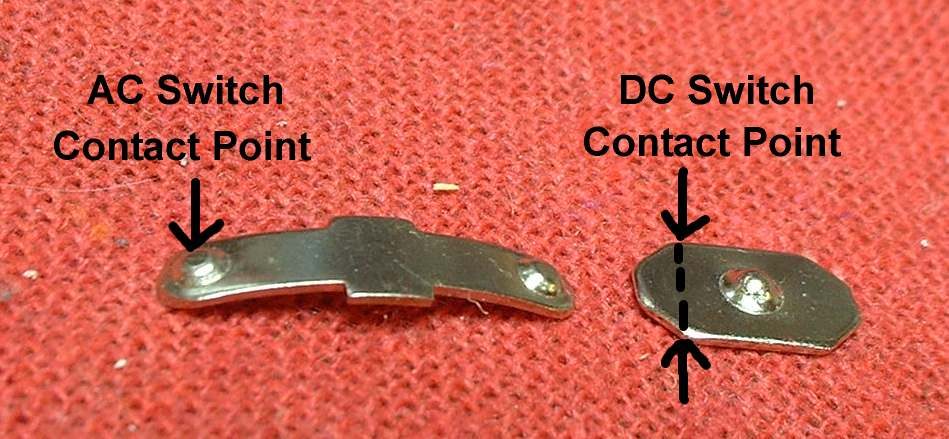
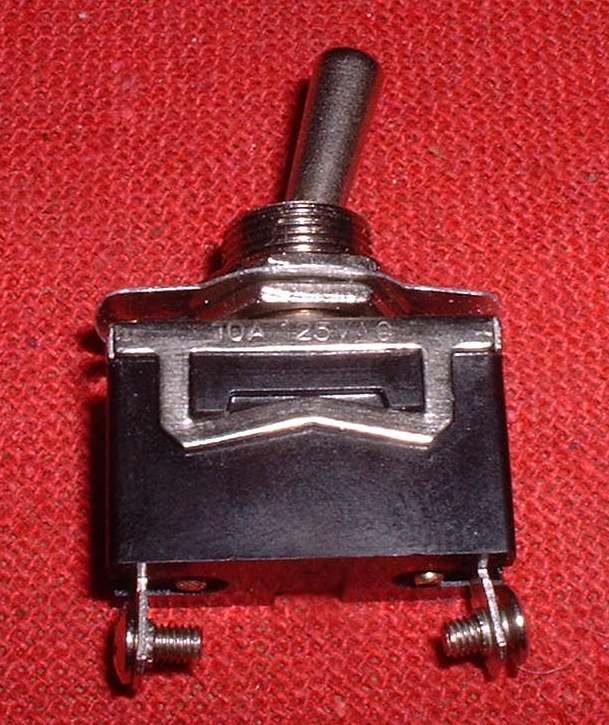
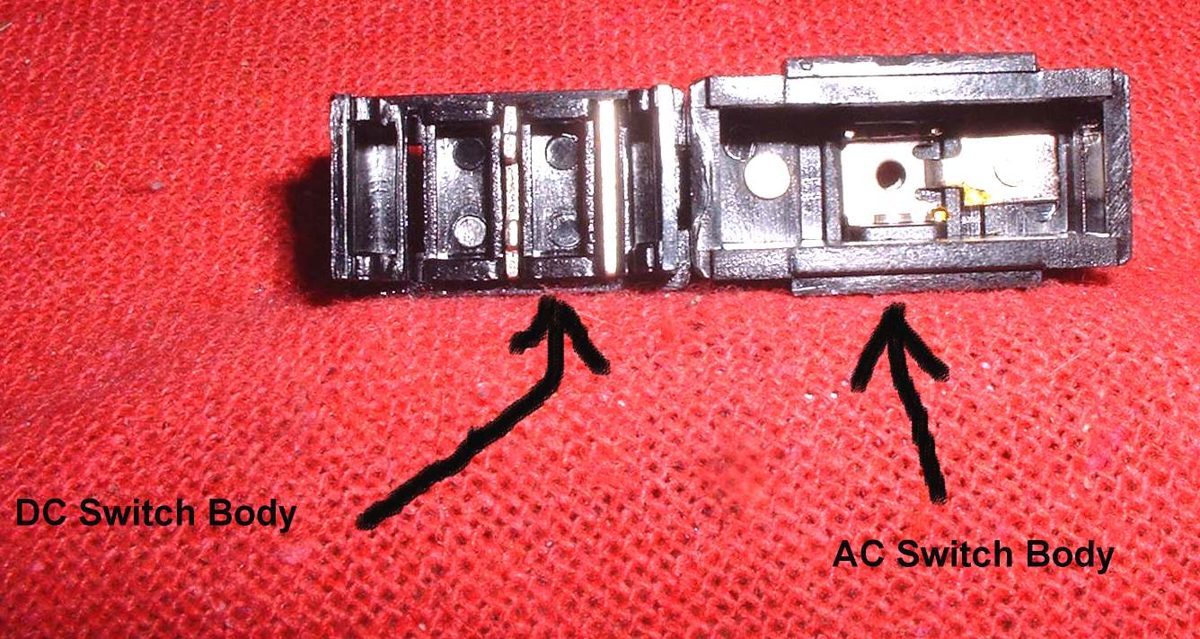
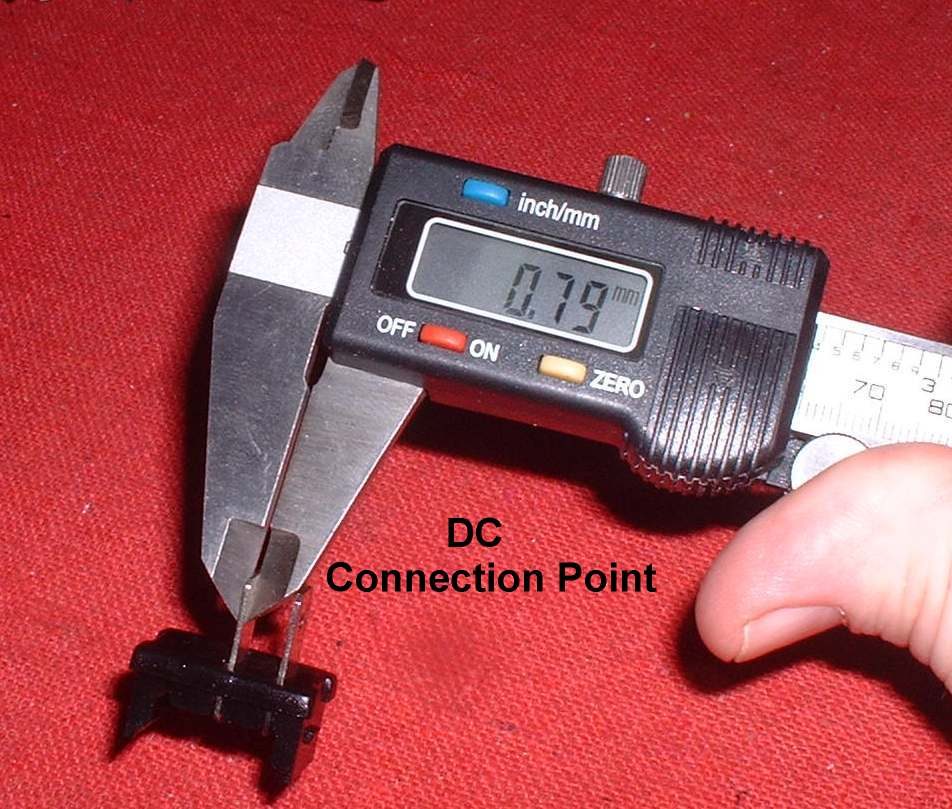
| AC-rated switch used on a 12 V DC circuit | Small, burnt or pitted contacts | Choose the right switch for a 12 V circuit |
Reference values (K-Light 125)
| Item | Value | Source |
|---|---|---|
| Horn button | red/white to brown | PDF p. 105 |
| Start button | green/yellow to red/white | PDF p. 105 |
| Engine stop switch (RUN) | green to dark green | PDF p. 105 |