
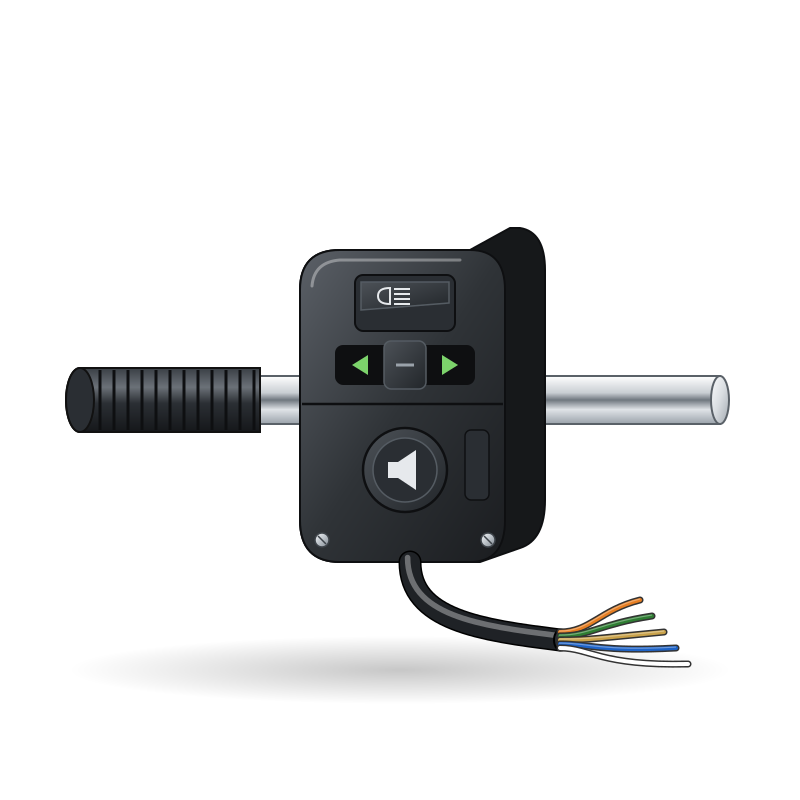
The handlebar switches are the two plastic housings next to the grips. The left one usually has the headlight dip (high and low beam), flash, indicators and horn. The right one usually has the engine stop (kill) switch, the start button and sometimes the light switch. Each housing has a short loom to a multi-pin plug.
What it does
Each button or lever closes or opens small contacts inside the housing. The kill switch must be closed (RUN) for the ignition to work. Contacts are small and exposed to rain, washing and dust. They corrode, get gummed with old grease, or the springs and plastic slides break. Wires can break where the loom flexes at the bar.
Signs it is worn or failing
- Handlebar switch does not work properly.
- Engine stop switch fault: no spark or cutting out.
- Nothing happens when I press the starter button.
- High beam or flash does not work, horn silent, indicators dead.
When to replace it
When cleaning does not restore continuity, plastic parts are broken, or the wires inside are burnt. Many housings are sold only complete with their loom.
What to match when buying
- Match make, model and year, and the plug and wire colours. Compare with the switch table in your manual.
- Check the functions match: some housings add a hazard switch, a pass switch or a light on/off switch.
- Check the housing fits your bar diameter and has the locating pin hole.
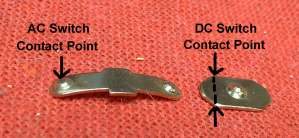
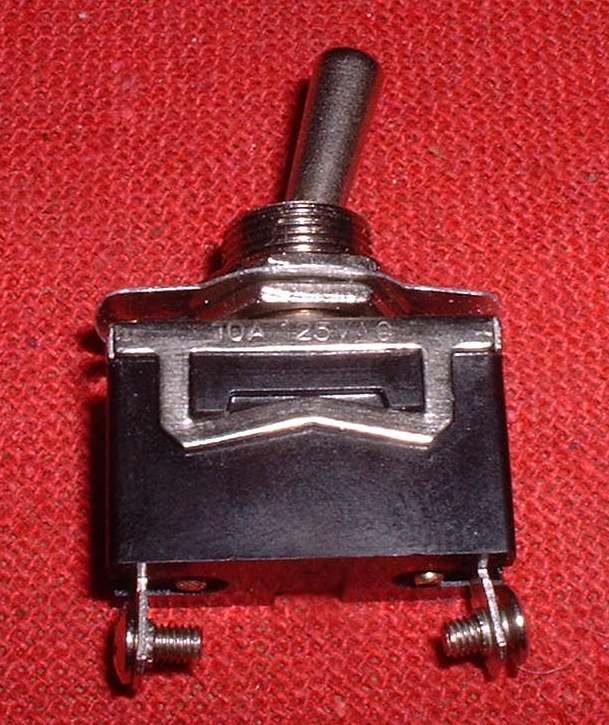
- Use switches rated for DC. A household AC switch has small contacts that burn on a 12 V circuit: Choose the right switch for a 12 V circuit.
Fitting notes
- Home job: Clean a handlebar switch; kill switch: Test the engine stop switch.
- Clean with electrical contact cleaner, not water. Use only a thin dielectric grease on contacts.
- Route the loom so it does not pull or pinch when the bars turn lock to lock.
Reference (K-Light 125)
| Item | Value | PDF page |
|---|---|---|
| Kill switch RUN | green to dark green closed; STOP open | 105 |
| Start button | green/yellow to red/white closed when pressed | 105 |
| Horn button | red/white to brown closed when pressed | 105 |